
Introduction
Auto.js Pro is a JavaScript-based development platform on Android for building small apps and learning programming.
What can Auto.js Pro do?
Build a small app using JavaScript (and Node.js in Pro 9).

Build small apps
Auto.js Pro can build complete applications, and package a JavaScript project into a standalone APK. You can build UI with web technologies, use Auto.js widgets for simple UIs, or even build polished interfaces with native Android resources.
You can also install npm packages, load dex/jar/native libraries, and connect the Android + Node.js ecosystems. Many projects go beyond “scripts”, such as small games or HTTP servers.

Learn JavaScript and validate ideas
Auto.js Pro includes professional tools like a multi-tab editor and debugger, and you can also use VSCode to write and run code. It works well as a learning tool for beginners, a low-barrier entry into development, and a fast playground for experienced developers to validate ideas.
Advantages compared to other versions
Node.js engine
Pro 9 adds Node.js 16.x, with 100×+ performance and ES2021 support.
Plugin store & no separate install
Plugins can be merged into the APK when packaging.
Stronger encryption
Node.js engine encryption is significantly harder to reverse.
Great VSCode debugging
Remote step debugging, auto-completion, faster file sync, and device file management.
NPM ecosystem
Install and use packages like ws/express/koa.
Code store
Download and share projects and scripts.
Packaging customization
Customize signature/ABI/splash/permissions, optimize size, and obfuscate components.
React/Vue/Web UI
Official support for web-based UIs and Web interaction APIs.
Multi-tab workspace
File tree management, LSP completion, and diagnostics.
Visual UI designer
Visual UI design for easier UI building.
More APIs
WebSocket, database, native UI, tasks, settings, OCR, etc.
Learning path overview
Auto.js Pro uses JavaScript as its scripting language. There are two JavaScript engines:
- Rhino 1.7.14: ES5 + partial ES6. Used by Free and legacy Pro. The APIs based on it are often called v8 / API v1 in this documentation.
- Chrome V8: In Pro 9, Auto.js Pro adds a Node.js 16.x engine. APIs based on it are often called v9 / API v2.
Before learning Auto.js Pro, it is strongly recommended to learn JavaScript basics.
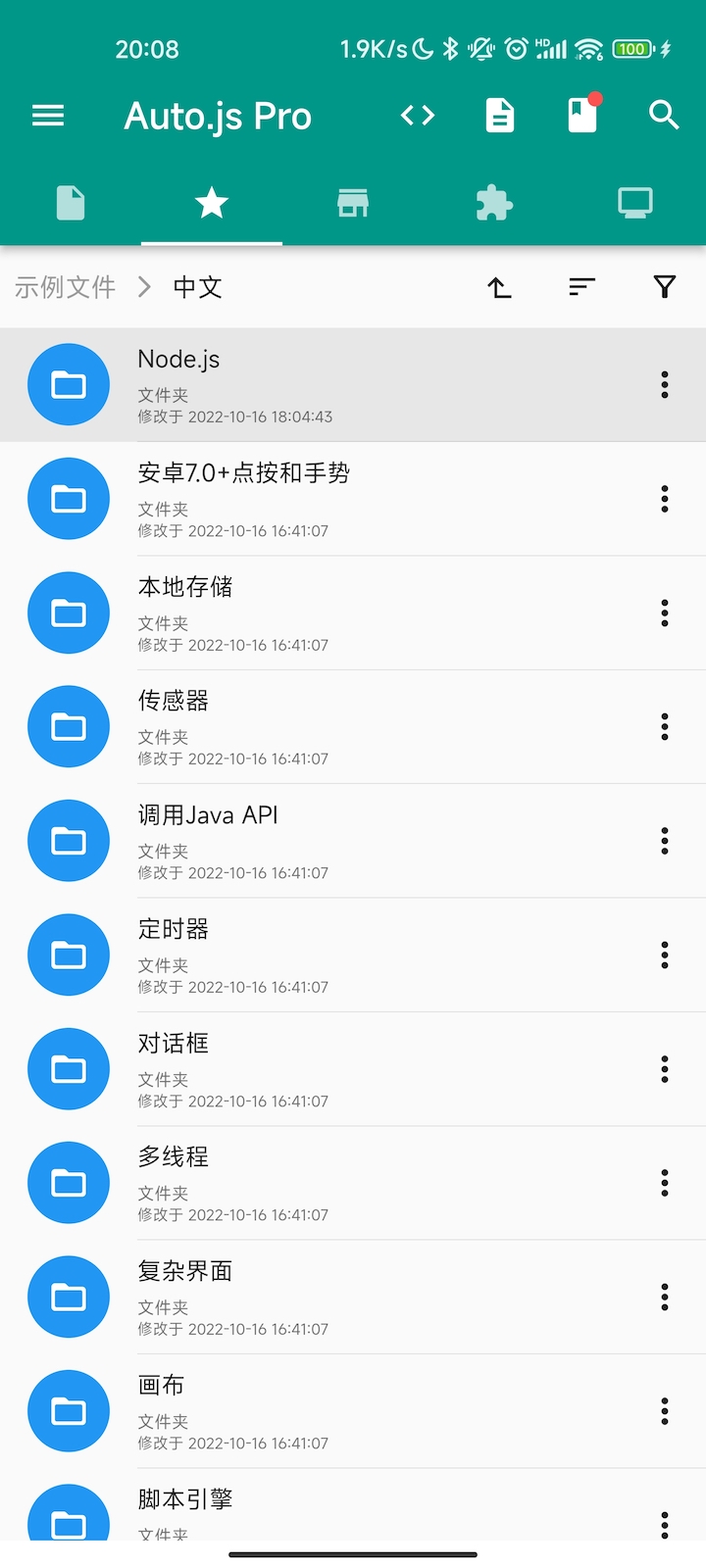
Also, the built-in examples are very important. Running examples for each module is one of the fastest ways to understand the platform.
What Auto.js Pro must NOT be used for
Even though Auto.js Pro is powerful, it must not be used for illegal or abusive purposes (e.g. game cheating, reading/writing other apps’ memory, or other black/gray industry use cases).
How to get Auto.js Pro
Download the Android app from the Download page.
Then you can start with your first line of code.