
Built-in modules and APIs
Once you know basic JavaScript, you can start using Auto.js Pro’s built-in functions and modules. Like the earlier toastLog helper, many APIs ship with the runtime and are documented in the v8 / API v1 reference.
Documentation: First-generation API (v8)
On the left sidebar (on phones, open it from the top-left) you will see the module list. Each entry explains what the module does—for example app starts other apps and reads package metadata.
In API v1, most modules are available without an explicit import. To launch another app by name with the app module:
$app.launchApp("Calendar");Here $app is the app namespace (the $ prefix avoids clashes with your own variables). launchApp is a function on that namespace.
Read the function reference for details and parameters—for example launchApp (behavior: start an app by its display name).
A tiny exercise
Try the snippet above and confirm the calendar (or localized equivalent) opens. Extend it: read app.getAppName("com.android.settings") or list installed packages—always cross-check the linked section in app.
More samples
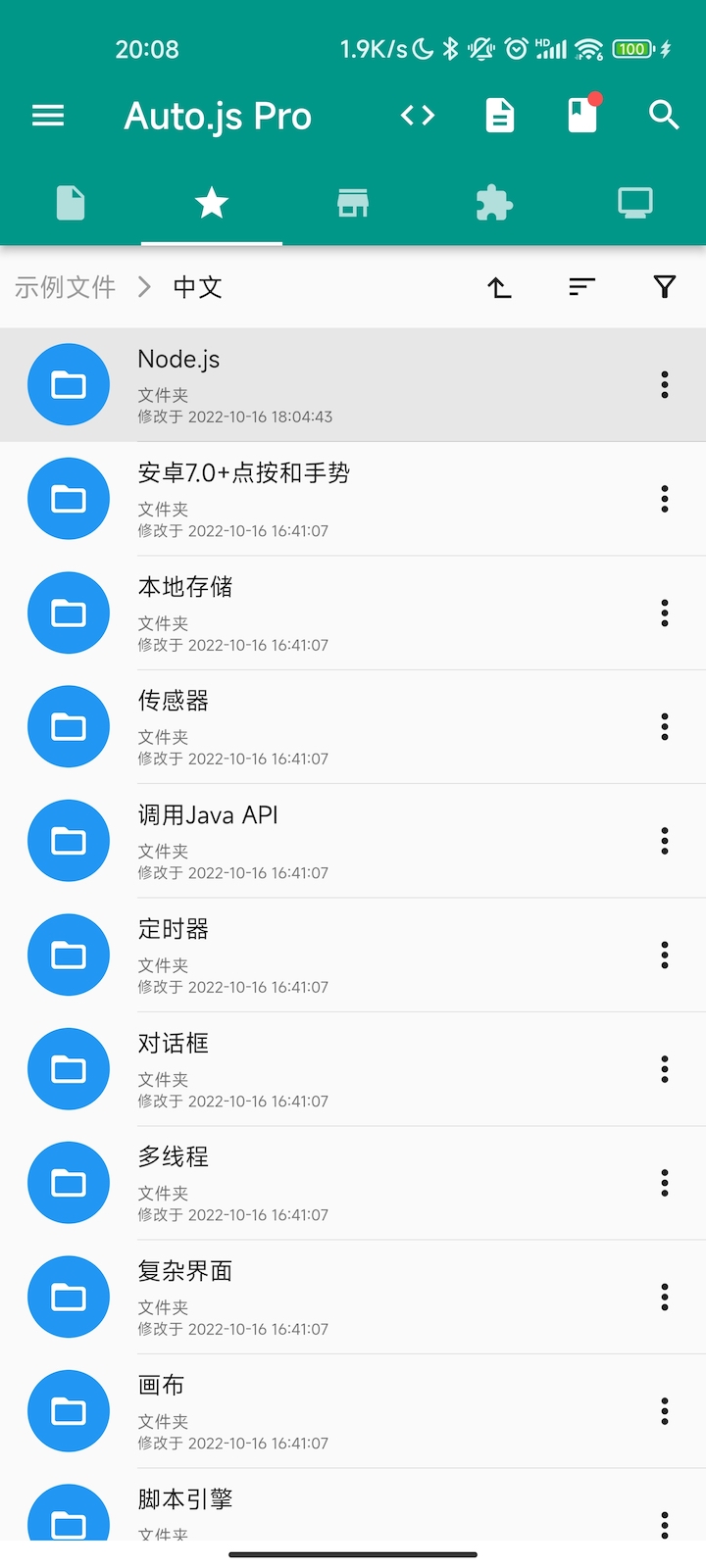
On the Auto.js Pro home screen, open the Examples tab. It contains many official snippets you can run as-is.
For the Node.js / v9 surface, modules are require’d and most I/O is async—see v9 reading guide when you intentionally target API v2.